
Webhook Automation is the process of using webhooks to trigger automated workflows between software systems. A webhook sends data from one application to another when a specific event occurs.
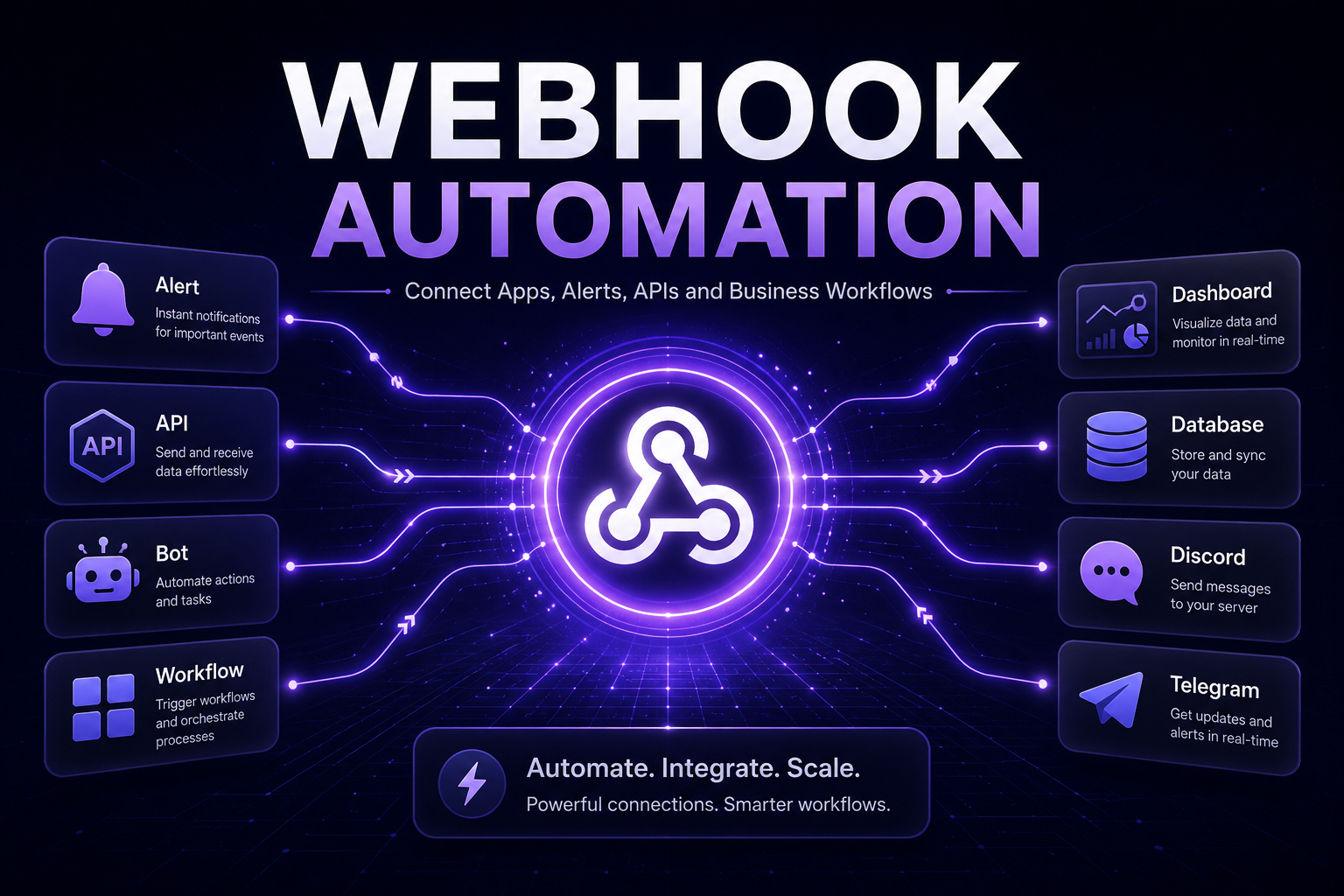
In 30 Seconds
- Webhook Automation sends data instantly when a specific event happens.
- Webhooks can connect apps, APIs, bots, dashboards and notification systems.
- They are useful for business workflows, trading alerts, forms, CRMs and databases.
- As a result, teams can build faster real-time automation without manual data transfer.
What Is Webhook Automation?
Webhook Automation is the process of using webhooks to trigger automated workflows between software systems. A webhook sends data from one application to another when a specific event occurs.
For example, a form submission can trigger a CRM update, a TradingView alert can trigger a Discord message, and a payment event can update a database. In each case, the webhook acts as a real-time signal between systems.
Therefore, webhooks are one of the simplest and most effective ways to connect tools without waiting for manual updates or scheduled checks.
Why Webhooks Matter for Automation
Many business and trading workflows depend on timing. When a new lead arrives, a payment succeeds, a support ticket opens or a market alert fires, the next system should react quickly.
Webhooks solve that problem by sending event data immediately. Instead of checking for updates every few minutes, the receiving system gets notified as soon as something happens.
As a result, companies can reduce delays, avoid manual copying and build workflows that respond in real time.
Real-Time Triggers
Start workflows instantly when forms, alerts, payments or system events occur.
App Connections
Connect CRMs, dashboards, databases, bots, APIs and notification platforms.
Workflow Automation
Move data automatically between systems without manual copy-and-paste work.
System Visibility
Log webhook events, monitor failed requests and track automation activity.
What Can Webhook Automation Do?
Webhook automation can support many workflows across business operations, AI systems, trading tools and community platforms. However, the best use cases usually involve real-time events and repeatable data movement.
- Website form automation that sends leads into CRMs, sheets or databases.
- TradingView alerts routed to Discord, Telegram, dashboards or APIs.
- Payment events connected with invoices, customer records or notifications.
- Discord bots triggered by alerts, form submissions or API events.
- Telegram notifications for sales, support, trading alerts or system updates.
- Database logging for workflow events, errors and completed actions.
- AI automation that sends structured data into AI workflows.
- Dashboard updates based on real-time business or trading activity.
- API workflows that validate, transform and route incoming payloads.
- Error monitoring for failed requests, missing data or broken automations.
Example Webhook Automation Workflow
- First, an event happens inside an app or platform.
- Then, the platform sends webhook data to a custom endpoint.
- Next, the backend validates the incoming payload.
- After that, the system transforms the data into the required format.
- Meanwhile, the workflow can update a database or dashboard.
- The system can also send a Discord, Telegram or email notification.
- Finally, the automation logs the event for monitoring and review.
Webhooks vs Traditional API Polling
Traditional API polling checks a system repeatedly to see whether something changed. This can work, but it often creates delays, unnecessary requests and higher system load.
By contrast, webhooks send data only when an event happens. Because of that, webhook workflows are usually faster, cleaner and more efficient for real-time automation.
API Polling vs Webhook Automation
API Polling
- Checks for updates repeatedly
- Can create unnecessary requests
- May introduce delays
- Often needs scheduled jobs
- Less efficient for real-time events
Webhook Automation
- Sends data when an event happens
- Supports real-time workflows
- Reduces unnecessary API calls
- Works well with bots and dashboards
- Improves speed and responsiveness
Webhook Automation for Business Workflows
Business workflows often involve many tools that need to share data. For example, a company may use a website form, CRM, email platform, database, analytics dashboard and internal notification system.
With webhook automation, those tools can react to events immediately. A lead form can create a CRM record, notify the sales team, trigger an AI summary and update a dashboard without manual work.
This makes webhooks useful for sales operations, customer support, onboarding, reporting, project management and internal automation.
Webhook Automation for Trading Alerts
Trading workflows are one of the strongest use cases for webhooks. TradingView alerts can send webhook data when a market condition appears, which allows external systems to react immediately.
For example, a webhook can trigger a Discord signal bot, send a Telegram alert, update a trading dashboard or store the signal in a database. In addition, the system can validate the payload before sending the message.
As a result, traders and communities can move from manual signal posting to structured real-time alert delivery.
Webhook Security and Reliability
Webhook systems need proper security and monitoring. A reliable setup should validate incoming data, check request signatures, reject invalid payloads and log failed attempts.
In addition, production workflows should include retries, error handling, rate limits, alerts and database logs. Without those controls, a small webhook issue can break an important business or trading process.
Therefore, webhook automation should be designed as infrastructure, not just as a simple URL connection.
When Should You Use Webhook Automation?
Webhook automation makes sense when a workflow needs to react immediately after an event. It is especially useful when systems need to share structured data without waiting for manual updates.
However, webhooks work best when the process is clear. First, define the event. Then, decide which system should receive the data and what action should happen next.
- A form submission should trigger a CRM update.
- A TradingView alert should notify Discord or Telegram.
- A payment event should update a customer record.
- A database should receive structured event logs.
- A dashboard should update after new activity.
- An AI workflow should process incoming data automatically.
- A bot should react to external platform events.
- A business workflow needs real-time notifications.
- A system needs error logs and retry handling.
- Several tools should work together without manual copying.
Common Webhook Automation Projects
Most webhook projects start with a simple event-based problem. The goal is not to connect every tool at once, but to make one high-value workflow faster and more reliable.
Form to CRM Workflow
Send website leads into a CRM, database, email system and internal notification channel.
Trading Alert Router
Route TradingView alerts to Discord, Telegram, dashboards and signal databases.
Payment Event Automation
Trigger customer updates, invoices, onboarding steps and reporting workflows.
Webhook Monitoring Layer
Track incoming events, failed requests, retries, logs and automation health.
How Luminova Ventures Builds Webhook Automation
Luminova Ventures builds webhook automation around real workflows. The focus is practical infrastructure: event triggers, API endpoints, payload validation, data routing, dashboards, bots, databases and monitoring.
Typical projects include TradingView webhook systems, Discord bot workflows, Telegram alert systems, CRM integrations, AI automation flows, database logging, dashboard updates and custom API middleware.
- Business API Integration
- Workflow Automation Explained
- TradingView Alert Workflows
- Trading Bot Development
- Discord Bot Automation
- Telegram Alert Systems
- Free Automation Audit
Frequently Asked Questions About Webhook Automation
What is Webhook Automation?
Webhook Automation means using webhooks to trigger real-time workflows between apps, APIs, bots, dashboards, databases and notification systems.
How is a webhook different from an API?
An API usually lets one system request data from another system. A webhook sends data automatically when an event happens, which makes it useful for real-time automation.
Can webhooks connect TradingView with Discord?
Yes. TradingView alerts can send webhook data to a custom endpoint, and that endpoint can trigger formatted Discord messages automatically.
Can webhooks trigger Telegram alerts?
Yes. A webhook can trigger a Telegram bot, send structured alert messages and notify selected chats, groups or channels.
Do webhook workflows need custom software?
Simple workflows can use automation platforms, but custom software is often better when validation, security, logging, retries and scaling matter.
Build Webhook Automation for Your Workflow
Request a free Automation Audit and discover how webhook automation can connect apps, alerts, APIs, bots, dashboards, Discord and Telegram into one real-time system.
Request Free Automation AuditLooking for more practical AI, automation and software development resources?
← Back to Knowledge Base