
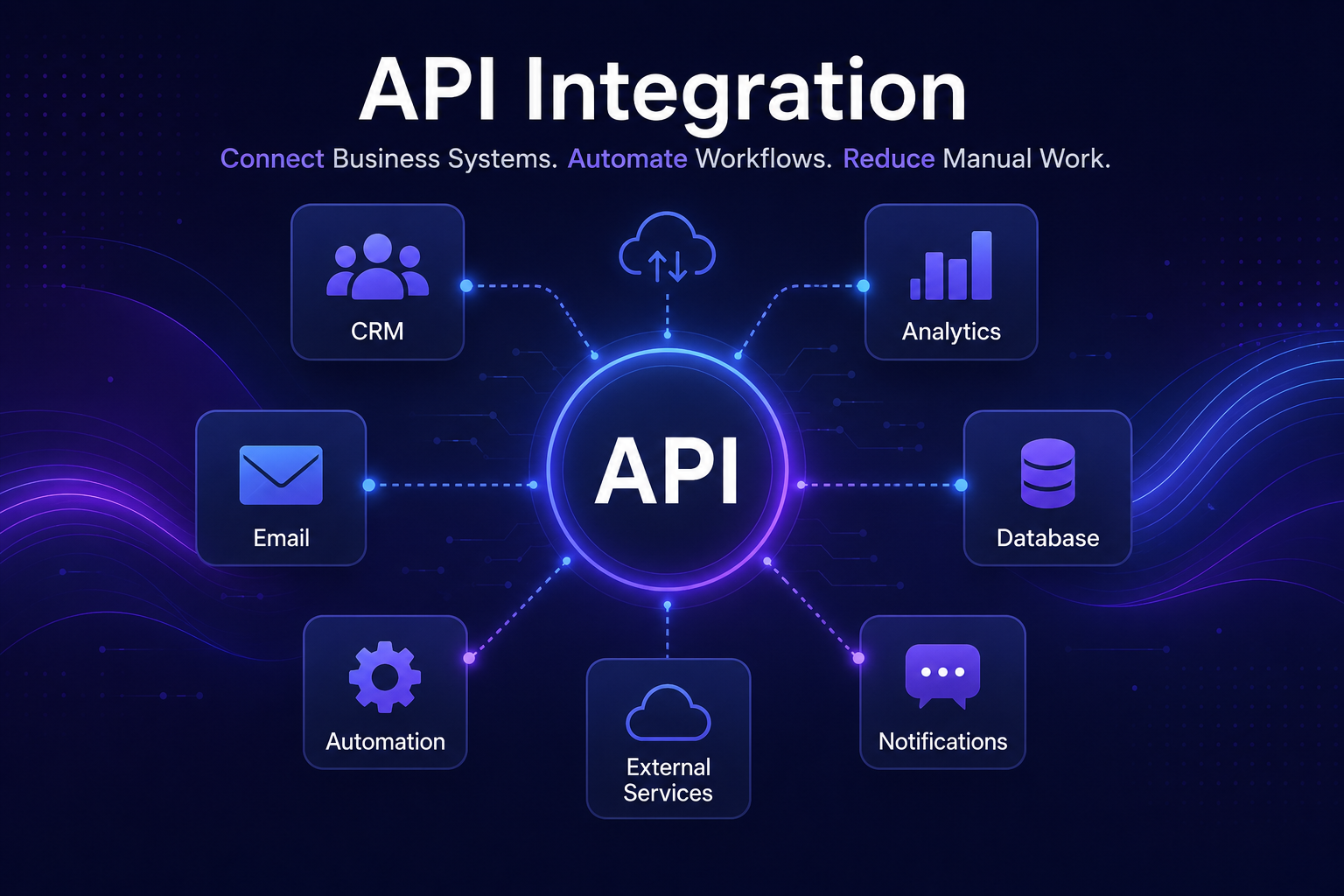
API Integration helps companies connect business systems, automate data flow and reduce manual work between tools such as CRMs, databases, dashboards, email platforms and AI systems. Instead of copying information between disconnected applications, businesses can use APIs to create reliable workflows that move data automatically.
In 30 Seconds
- API integration connects different business systems automatically.
- It reduces manual copying, duplicated data and operational errors.
- APIs are useful for CRMs, dashboards, AI tools, databases and notifications.
- The best integrations start with a clear workflow and reliable data structure.
What Is API Integration?
API integration is the process of connecting two or more software systems so they can exchange information automatically. An API allows one system to send, request or update data inside another system using structured rules.
For a business, this means that tools can work together instead of operating as isolated platforms. A contact form can update a CRM, a payment system can trigger an invoice, a database can update a dashboard, and an AI assistant can receive structured information from multiple sources.
Modern software platforms commonly expose APIs so companies can build automation around their existing tools. For technical reference, companies such as OpenAI also provide APIs that allow AI models to be integrated into business workflows.
Why API Integration Matters for Business Automation
Most operational problems do not come from a lack of software. They come from disconnected software. Teams often use several tools, but the data between them does not move automatically.
This creates manual work: copying information, checking spreadsheets, sending status updates, rebuilding reports and fixing mistakes caused by duplicated data. API integration removes that friction by allowing systems to communicate directly.
Less Manual Work
Data moves between systems automatically instead of being copied by employees.
Cleaner Data
Connected systems reduce duplicate records, missing information and inconsistent updates.
Faster Operations
Teams receive updates, alerts and reports without waiting for manual processing.
Better Visibility
Dashboards and reports can pull information from multiple systems in one place.
Common API Integration Use Cases
API integrations can support many different business processes. The most valuable use cases usually involve repetitive tasks, operational data or workflows that depend on multiple tools.
- CRM updates: automatically create or update leads, contacts and customer records.
- Form automation: send form submissions to databases, email systems or internal tools.
- Dashboard reporting: collect data from multiple platforms and display it in one interface.
- AI workflows: send structured data into AI assistants, classifiers or summarization systems.
- Notifications: trigger alerts in email, Discord, Telegram, Slack or internal systems.
- Order processing: connect payment systems, fulfillment tools and customer communication.
Example API Integration Workflow
- A customer submits a form on the website.
- The form data is validated and cleaned.
- The lead is added to a CRM automatically.
- An AI system summarizes the request.
- A notification is sent to the responsible team member.
- A dashboard updates the new lead count in real time.
API Integration vs Manual Operations
Manual operations may work when a business is small, but they become inefficient as volume grows. Each repeated task creates time cost, error risk and dependency on people remembering every step.
API integration allows the business to define the process once and run it consistently. This is especially useful when accuracy, speed and repeatability matter.
Manual Work vs API Integration
Manual Work
- Copying data between tools
- Higher risk of errors
- Slow reporting
- Hard to scale
- Dependent on individual employees
API Integration
- Automatic data transfer
- Structured workflows
- Real-time updates
- Scales with volume
- Repeatable business logic
Technology Stack for API Integration
A reliable integration usually needs more than a simple connection between two tools. It often requires validation, error handling, logging, authentication, database storage and monitoring.
When a Business Should Invest in API Integration
A business should consider API integration when employees repeat the same data movement tasks every week, when reporting depends on multiple tools or when disconnected systems create delays in customer service, sales or operations.
The strongest signal is simple: if the same information is being copied, reformatted or checked manually more than once, the process is a candidate for integration.
- Teams copy data between systems every day.
- Reports take too long to prepare manually.
- Customer requests are delayed because information is scattered.
- Sales, support or operations use tools that do not communicate.
- The business wants to add AI automation to existing workflows.
How Luminova Ventures Builds API Integrations
Luminova Ventures builds API integration workflows around real business processes. The goal is not to connect tools for the sake of technology, but to reduce manual work, improve data flow and make operations easier to manage.
- API Integration Workflow
- Python Infrastructure Automation
- AI Business Assistant
- AI Analytics Dashboard
- Free Automation Audit
Frequently Asked Questions About API Integration
What is API integration in simple terms?
API integration means connecting software systems so they can exchange data automatically instead of relying on manual copying, exporting or updating.
Which business systems can be connected with APIs?
CRMs, databases, dashboards, forms, email systems, payment tools, AI models, customer support platforms and internal business software can often be connected through APIs.
Does API integration require custom software?
Simple integrations can sometimes be built with no-code tools, but complex workflows usually require custom software, especially when validation, permissions, logging or scalability are important.
How do I know which process should be integrated first?
The best starting point is usually the process that creates the most repeated manual work, causes the most errors or blocks teams from making faster decisions.
Need Help Connecting Your Business Systems?
Request a free Automation Audit and identify where API integration can reduce manual work, improve data flow and connect your software stack.
Request Free Automation AuditLooking for more practical AI, automation and software development resources?
← Back to Knowledge Base